Ai Smart Board
The teaching board for Zoom and the classroom
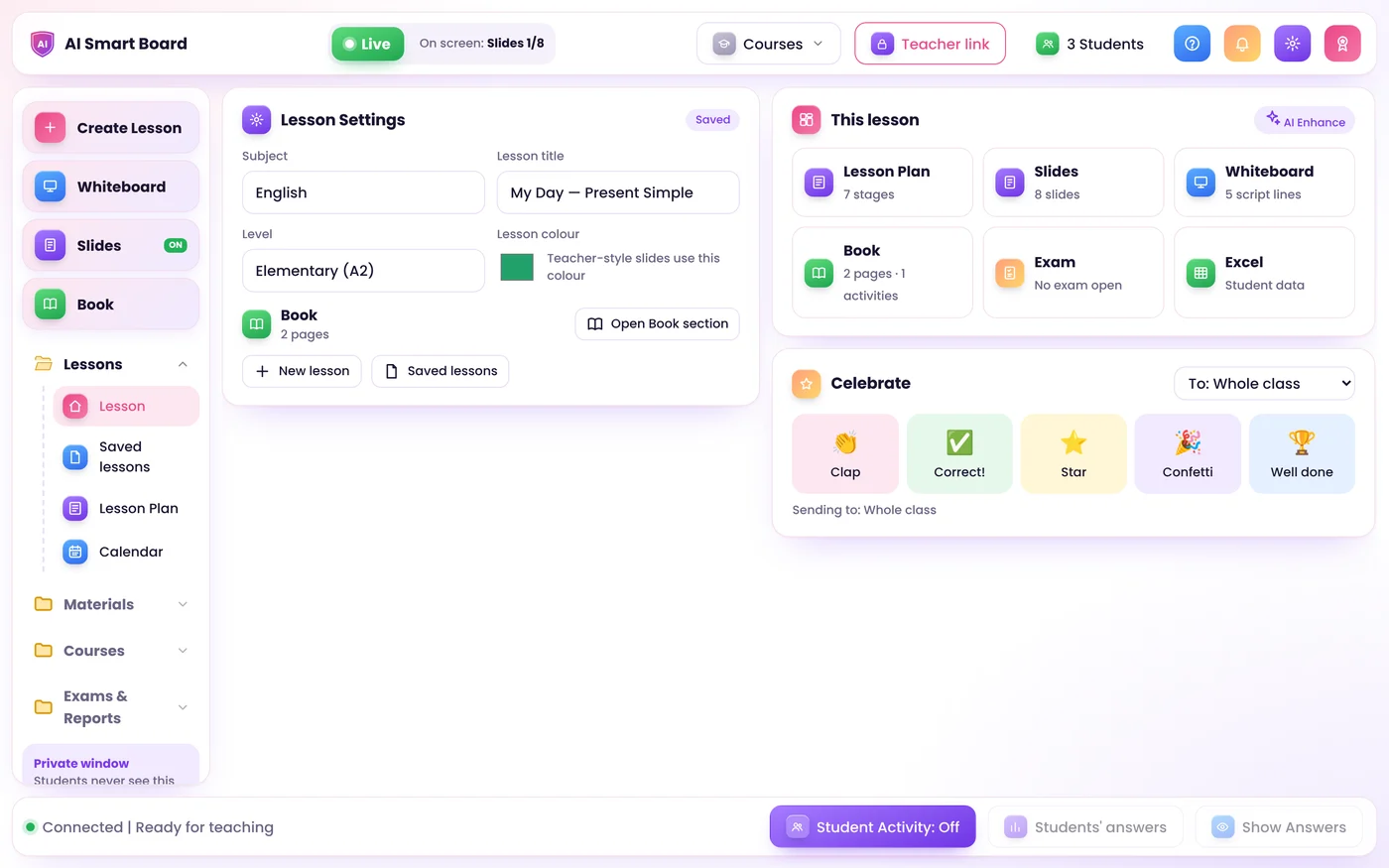
Slides, whiteboard, textbook, exams, Excel and homework files in one app. You teach from a private dashboard, share one window in Zoom, and students join with a single link.
Get the Ai Smart Board app
A light app for your computer or phone. Send us your request with your code, choose your plan, and we send you your own copy of Ai Smart Board.
Windows
Windows 10 and 11. Install the app in one click from Chrome or Edge.
Download the appInstallation guide, PDF 4KMac
Any Mac. Install it from Chrome, Edge or Safari (File, Add to Dock).
Download the appInstallation guide, PDF 4KLinux
Ubuntu, Debian, Fedora and more. Install it from Chrome or Edge.
Download the appInstallation guide, PDF 4KPhone
iPhone and Android. Add it to your home screen: it opens like any app.
Download the appInstallation guide, PDF 4KThe app is free and very light: it opens in its own window with its own icon. Ai Smart Board itself runs on the teacher's computer, and students join from any phone, tablet or computer with one link.
One app for the whole lesson
Upload your material once. It becomes slides, a lesson plan, a board script and an interactive book.
AI lesson in your style
A lesson plan in TEFL or CELTA format, slides that look like yours, and a board script. Use any AI key: OpenAI, Gemini and more.
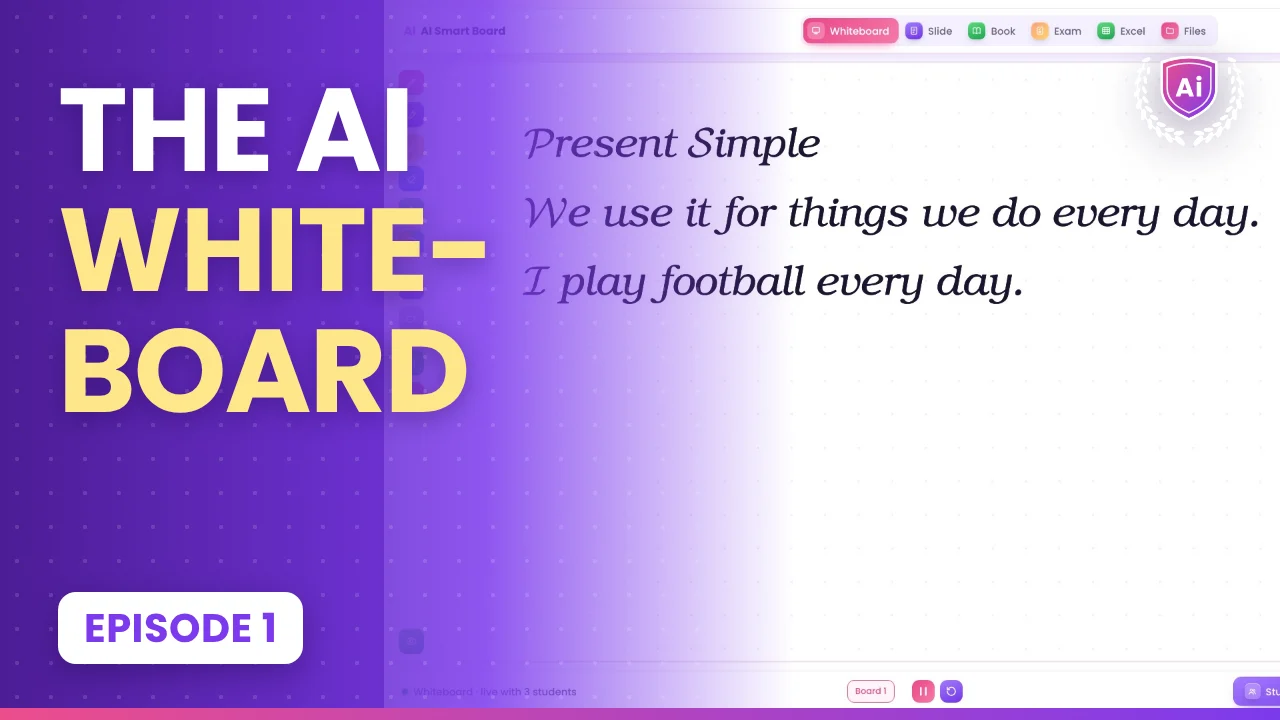
A real whiteboard
Pressure pen, calligraphy pen for Arabic and English, and a highlighter. Your text is handwritten live, and pictures can turn in 3D or move.
Interactive textbook
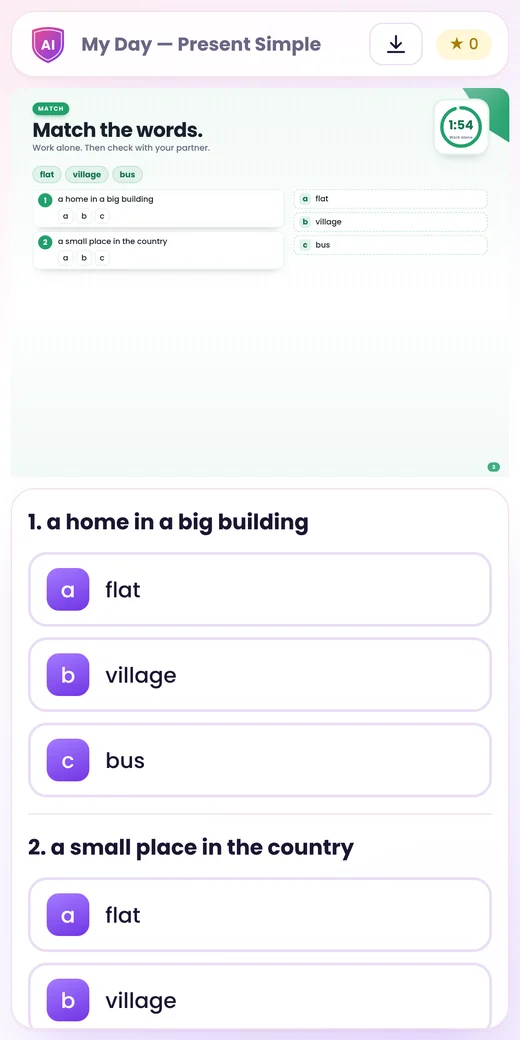
Upload the book as PDF or pictures. Add activities by hand or with AI, Cambridge One style. Students answer on their own phones.
Exams with fair marks
Set the total and share it on all questions. Students only see "Exam completed". You get a full feedback PDF.
Excel built in
Formulas, sorting and sheets. Open .xlsx or .csv files and show a sheet to students, read only and live.
Homework files & reports
Students send homework by subject. You grade, comment and download a ZIP. Each student can download their own lesson report as a PDF.
You decide what Zoom and the students see
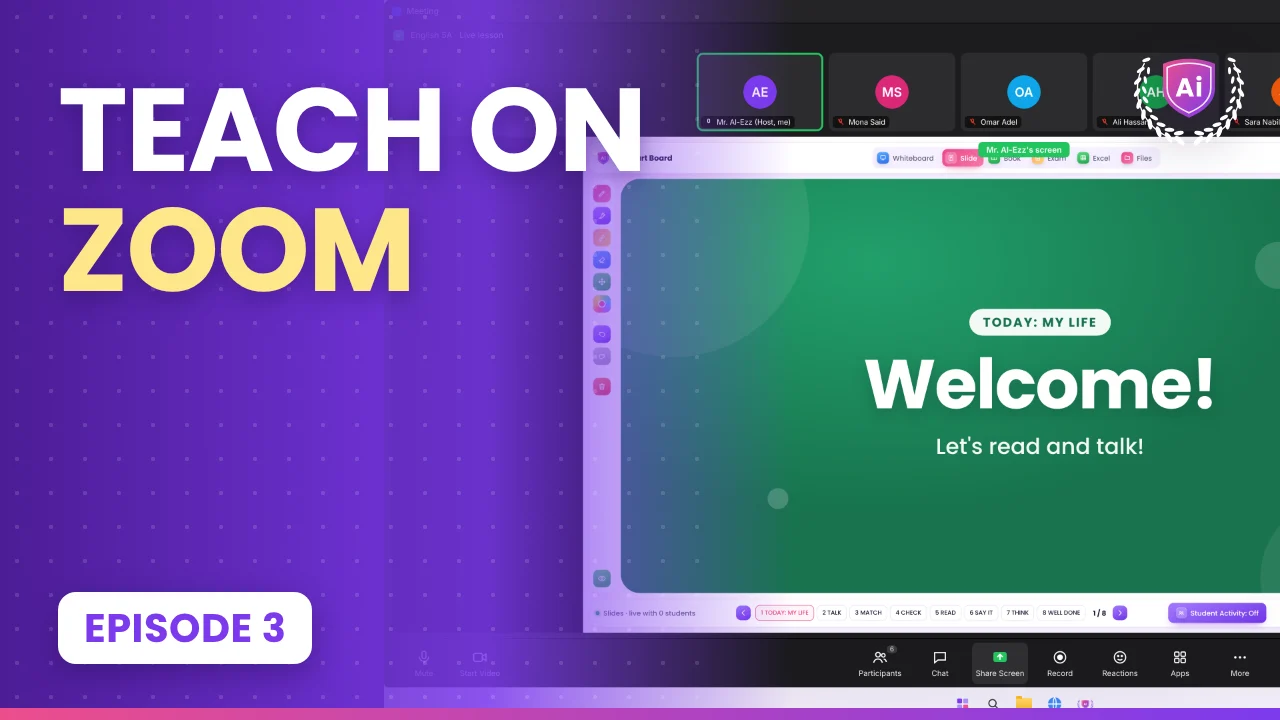
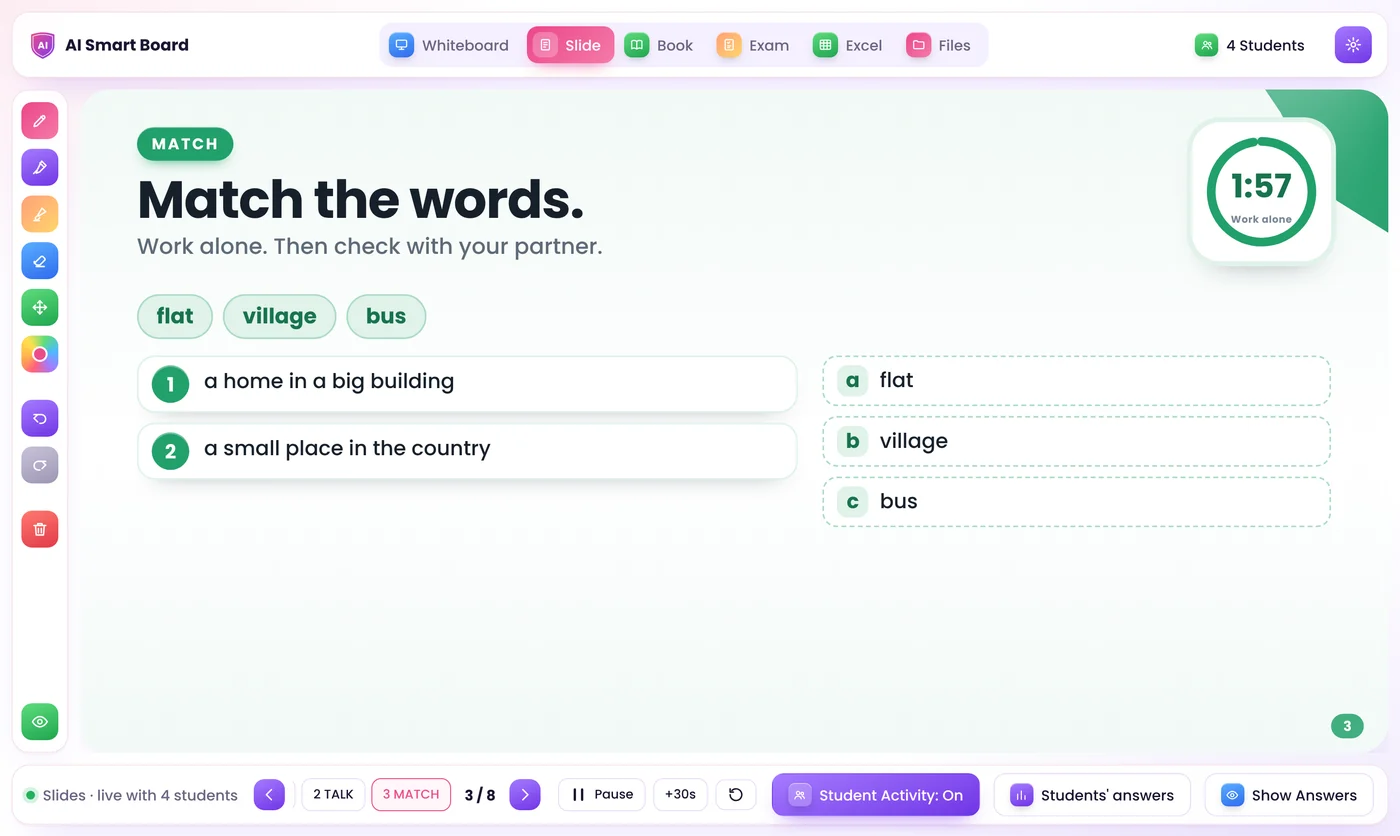
Share only the Presentation Window. Your dashboard stays private.
- Live: move in the dashboard or the shared window, and every student moves with you.
- Frozen: prepare the next part while the screen and the students stay where they are.
- Timers, Show Answers and celebrations work in both modes.
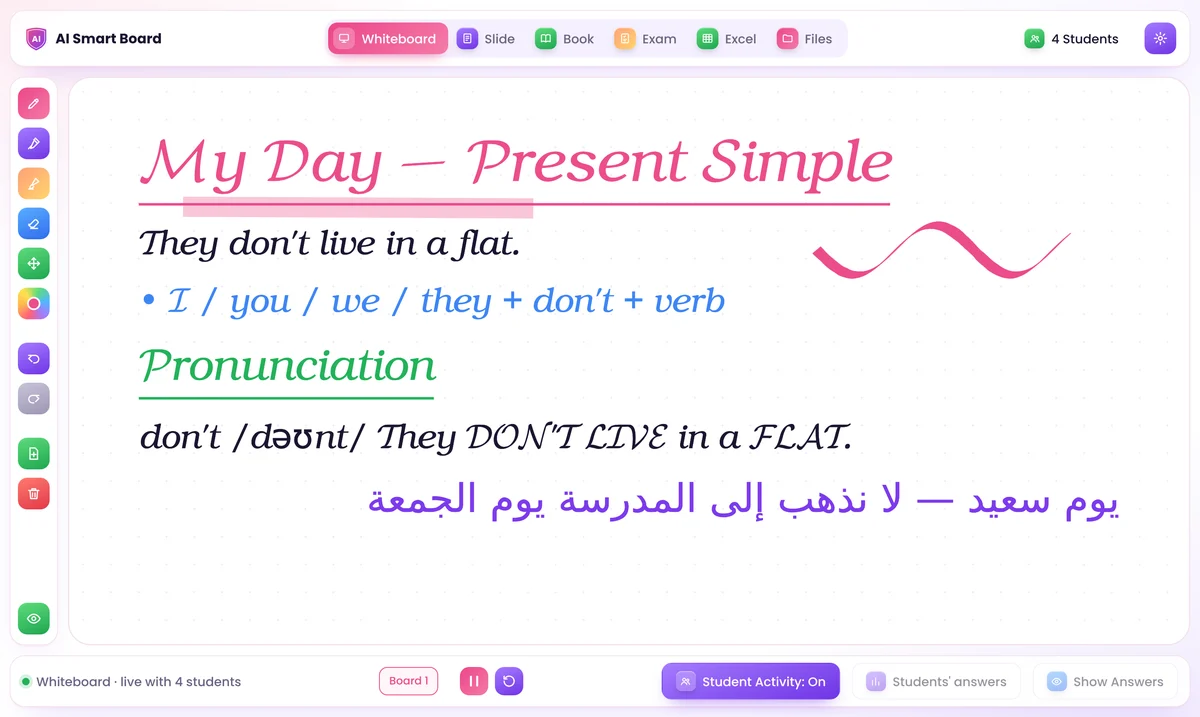
Write it once, and it is handwritten on the board
Highlight a line in your board script and press Generate. A picture goes beside the line it is about, and never covers your writing.
- Move and tilt any text or picture before or after writing it
- 3D, or 3D with action: a heart beats and an animal swims or flies
- Realistic AI video from a picture, with a Gemini or OpenAI key
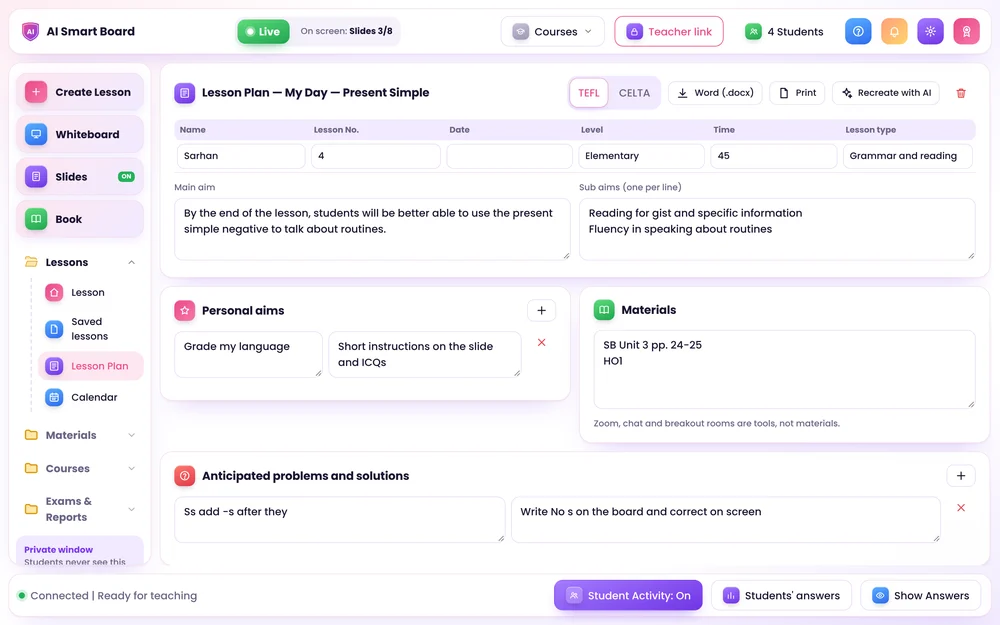
TEFL or CELTA lesson plans, ready for Word
Aims, assumptions, anticipated problems, staged procedure, analysis and handout. You can edit every part, then download it as .docx or print it.
- AI learns your style from your own plans and tutor feedback
- A reflection is written only when you ask for it
How it works
Prepare your lesson
Bring your own material and get everything ready on your private teacher screen.
Share one window in Zoom
Share one clean window in Zoom, or show it on the classroom screen. Your controls stay private.
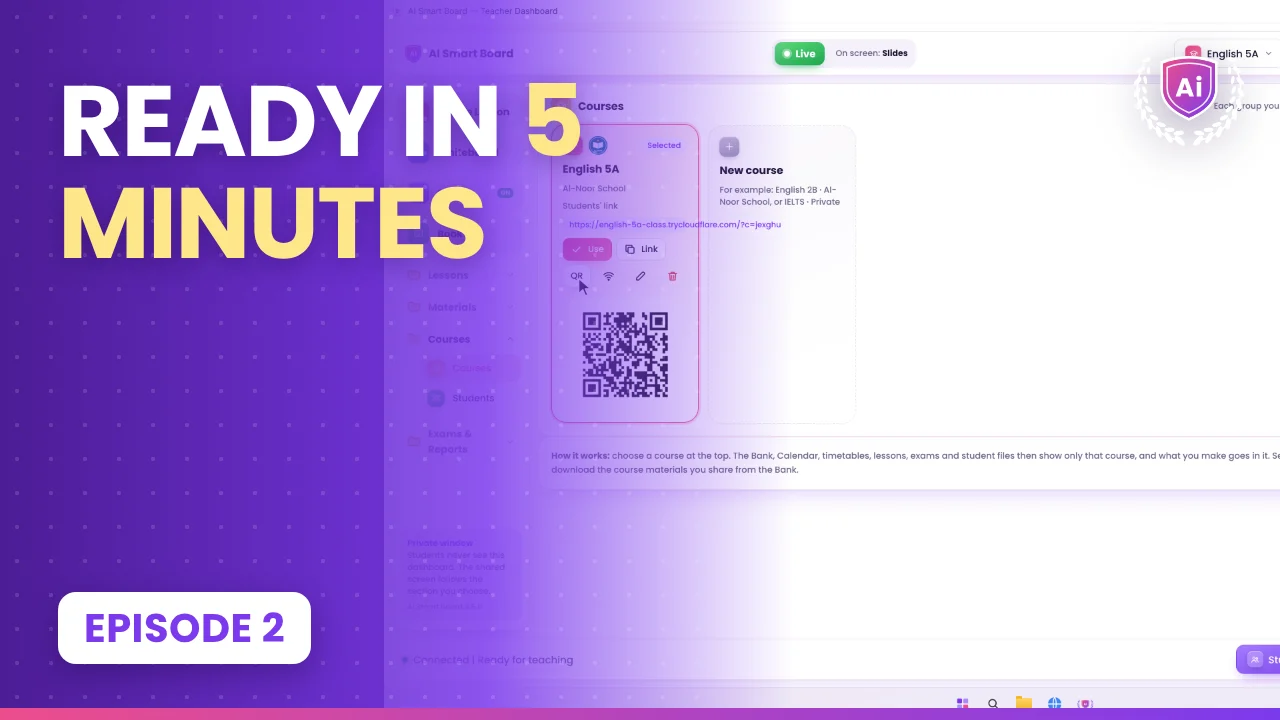
Students join
Students open one link on their phone, tablet or laptop, write their name and take part.
Your class stays yours
Lessons and student work are saved on the teacher's own computer, not on an outside server.
- Students only get what is on the shared screen and their own work. They never see other students' answers, your notes or exam answers.
- The Teacher Dashboard opens only on your computer. It cannot be opened through the internet link.
- Each student's device has its own private key. Typing the same name on another device does not open their record.
- The AI receives only your lesson material, never student names, answers or files. Your API keys are encrypted on your PC.
Works with the AI you already use
Paste any key in Settings. The app picks the best model for you. The provider bills the account that owns the key.
Questions
Can I download Ai Smart Board?
Yes. Download the installation guide for your device. Choose your plan and send us a message from the Ai Smart Board app or by email, and we send you your own copy of Ai Smart Board, activated for your computer.
Do I need an AI key?
No. Without a key, use Manual mode: your files are shared exactly as they are, and the whiteboard, book, exams, Excel and files all work. A key adds AI lesson plans, slides, book activities and AI video.
Do students need to install anything?
No. They open the link in any browser on a phone, tablet or laptop, write their name once, and they are in.
Does it work in a real classroom too?
Yes. Show the Presentation Window on a projector or smart board. It works with touch screens and pens, with pressure and palm rejection.

Get Ai Smart Board
Download the installation guide for your device, choose your plan, and receive your own copy. Read the Getting Started guide to see how it works.
Contact us
Questions about Ai Smart Board? Send us a message on WhatsApp or by email.